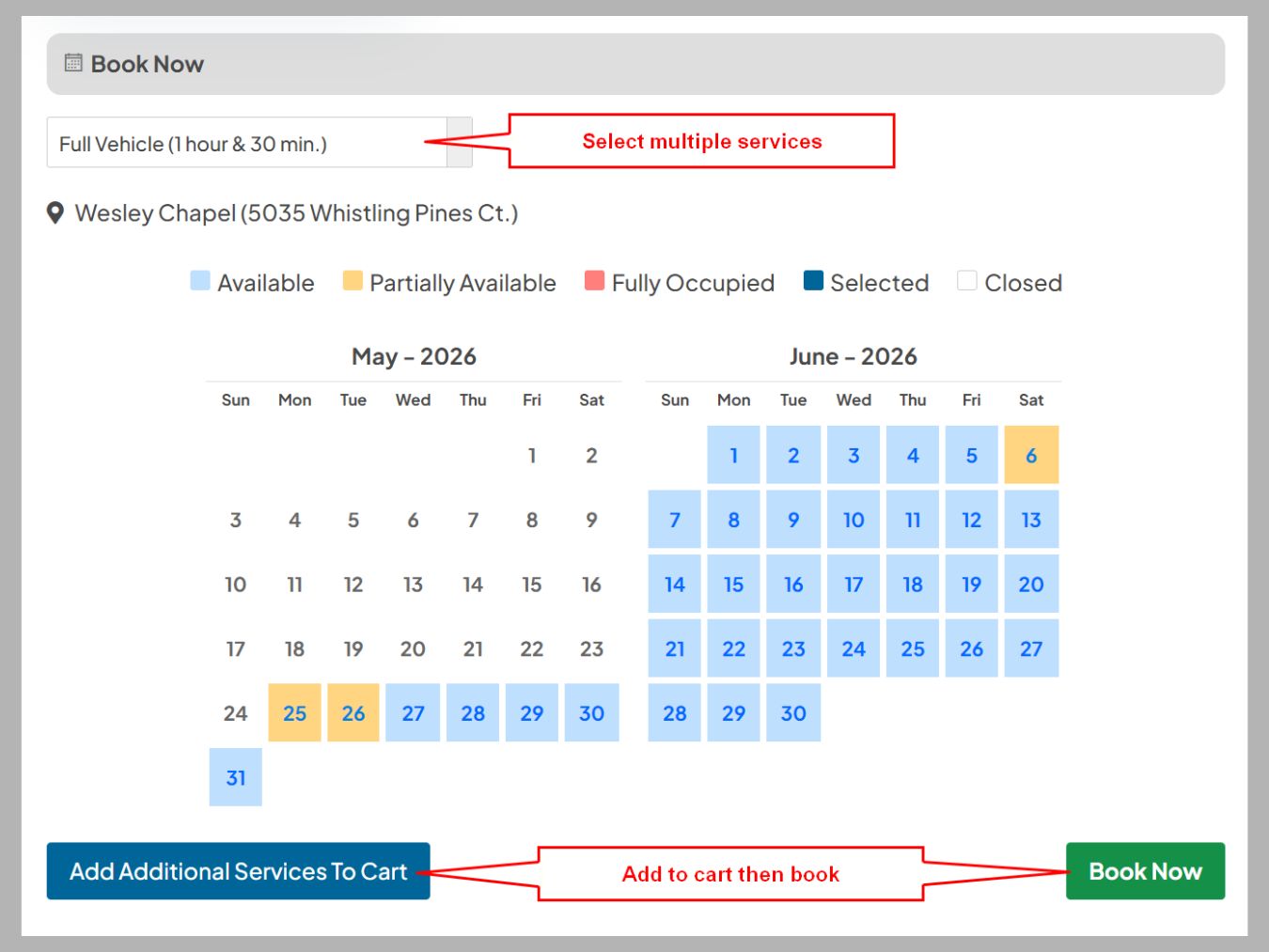
One major issue is that Calendly typically allows users to set up specific event types with predefined durations. While this works well for single-service appointments, it becomes cumbersome when booking multiple services at once. For instance, if a client wants to schedule a 30-minute consultation followed by a 60-minute service, they have to book each appointment separately. This not only adds extra steps to the scheduling process but may also lead to potential errors or double bookings.
Additionally, clients often prefer a seamless experience in which they can view all available services and select them in a single transaction. The inability to book multiple services in one go can lead to frustration and even deter clients from completing their bookings. Moreover, this limitation requires businesses to invest additional time and resources in manually managing appointments, which can be inefficient and counterproductive.
To address this issue, See Near Me offers clients a convenient solution: they can book multiple services in one go. By adding the desired services to their cart, clients can streamline their scheduling process and efficiently manage their appointments. This feature not only saves time but also eliminates the hassle of making separate bookings for each service. By allowing clients to book all selected services at once, clients enjoy a more user-friendly experience, thereby enhancing their overall satisfaction.